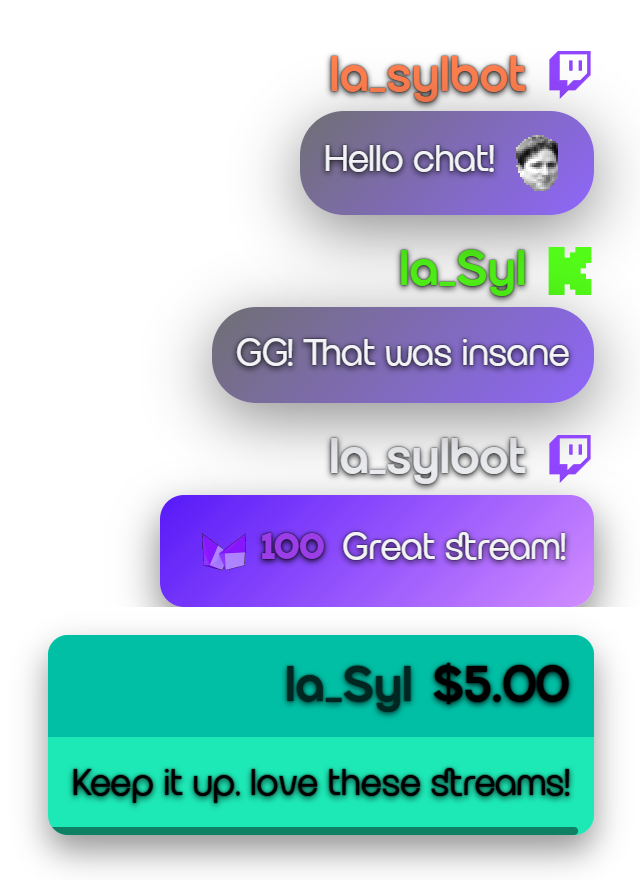
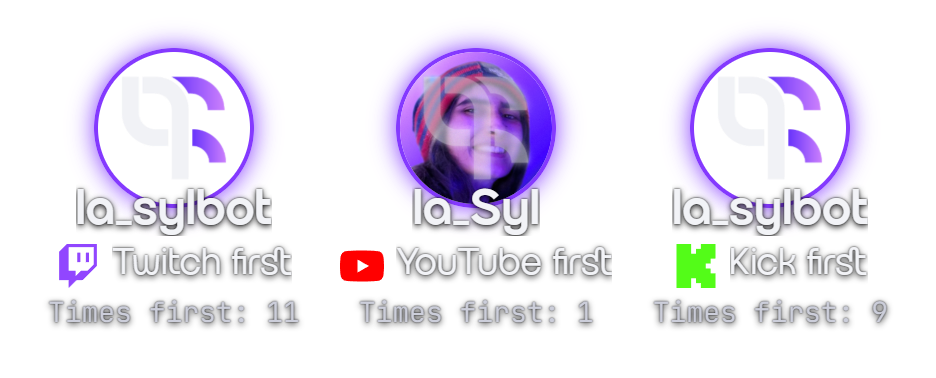
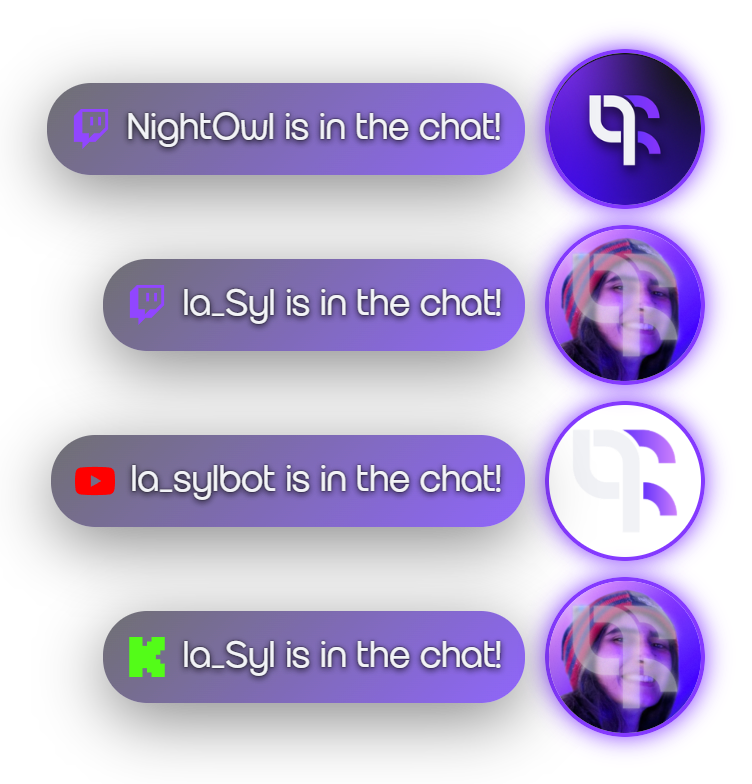
During my streamer journey, one of the things I spent the most time on was exploring the possibilities brought to us by the various streaming platforms, and all the streaming software available for us to use.
My searches brought me to Streamer.bot in 2021, which in my opinion is the best streaming tool you can find (and you should use it). Free, versatile, incredibly powerful… I took immense pleasure in testing every feature and spending hours creating the stupidest interactions I could think of, to entertain the viewers who came to watch me clown around while playing games. That was how I expressed my humour: by creating surprise and emotion in people so they would live a moment of spontaneous laughter that could not be scripted or reproduced, and by giving them a chance to express their own sense of humour, letting them intrude on the stream through these interactions.
At some point, my creativity hit a wall: maintaining a lot of actions in Streamer.bot, as well as a lot of sources in OBS Studio, is tedious work. I wanted one space from which I could quickly access, customise, tweak and update my overlay and my widgets, so that not only could I save time on these details, but I could free up room to add more chaos to my stream. That's how I came up with Stream UI. I just wanted to optimise my own workflow to make my life easier. Then I thought it could make other people's lives easier as well. And that's how we get to now.
Finding a proper way to share all of this has taken a while, but it has also been a great learning journey. Stream UI is more than just a widget dashboard. To me, it represents years of learning, exploring, experiencing and creating as a streamer. I truly hope other streamers enjoy it, save time with it, and that it encourages them to use and explore Streamer.bot and create more fun stuff on their stream.
Special shoutout to Neu_Row, who inspired me to create this project. If you like it, you should thank him with a follow.